You are here
DocuWare Integration Solutions
EzeScan DocuWare Capture Solution for Ricoh MFP’s
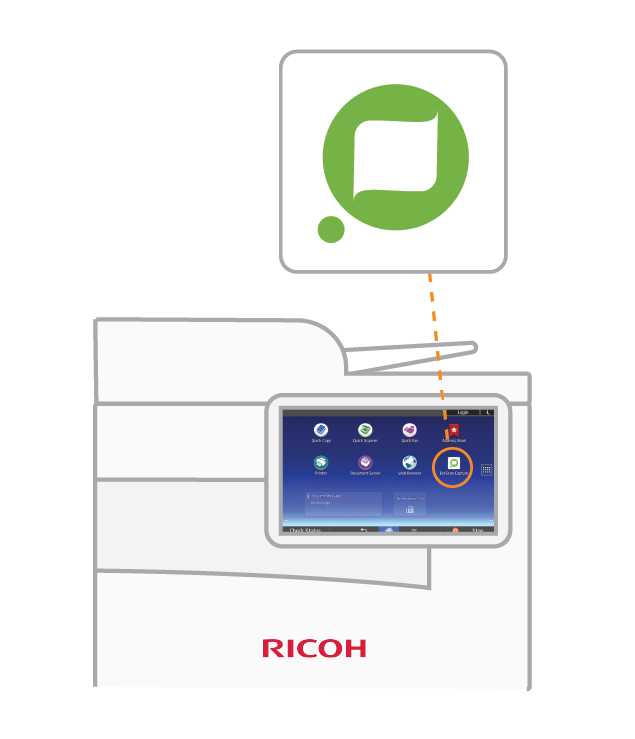
EzeScan’s Android App is now available for Ricoh MFP’s using Smart Panel (Version 2.0 or higher) and EzeScan Remote Indexing WebApp. With the minimum of keystrokes Ricoh customers can now effortlessly scan and register documents directly into their corporate systems including DocuWare and automatically initiate intelligent business processes. EzeScan intelligent capture solution for Ricoh MFD’s directly addresses these requirements to allow users to capture, register and initiate a business process accurately and effortlessly, anytime and anywhere!
EzeScan Enterprise Capture for PaperCut
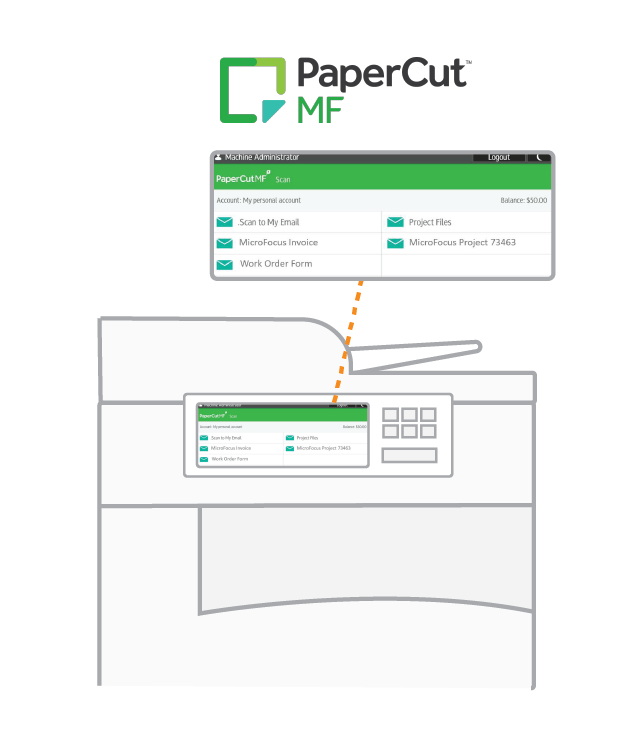
EzeScan’s advanced capture solution is now available for MFP’s using PaperCut MF and EzeScan Remote Indexing Application (RIA). With the minimum of keystrokes users can now effortlessly scan and register documents directly into DocuWare and automatically initiate intelligent business processes.
EzeScan’s intelligent capture solution for MFP’s provides a direct integration via the PaperCut MF solution on the MFP for a user to initiate the capture of business documents. Based on the user selection the relevant digitization standards are automatically applied and the documents submitted to the EzeScan WebApp Server (EWA) for processing. Users or assigned business units are automatically notified via email of documents with a web link to the EzeScan Remote Indexing Assistant (RIA)WebApp. With no client software required, browser access ensures PC, Mac or mobile smart device compatibility.
The EzeScan Remote Indexing Assistant (RIA) WebApp can be configured to allow a user to QA, validate and profile captured documents. With the use of configured drop-down menus and database lookups, documents are automatically named based on business standards and correctly filed or routed with automatic upload into DocuWare.
More About PaperCut
EzeScan Remote Indexing Assistant (RIA) for DocuWare
The EzeScan Remote Indexing Assistant (RIA) WebApp can be deployed in two scenarios: As decentralized scanning solution for workgroup MFD users and as a remote indexing tool. The EzeScan Remote Indexing Assistant (RIA) WebApp can provide an enterprise digitisation platform that aligns business process with your governance and compliance requirements. Users simply scan their documents to email. EzeScan’s WebApp Server intercepts the email and sends an automated email notification to the user. Users simply follow the URL link to view the documents in their web browser, check the quality of the image, add/modify any metadata and then submit each document to the next stage of processing. The processed files and metadata are picked up by EzeScan SERVER and automatically uploaded to DocuWare
The EzeScan Remote Indexing Assistant (RIA) WebApp can provide a web form-based profiling interface for all users in an organization. Documents scanned in production workflows using EzeScan desktop applications can now be sent to users outside traditional records environments to profile, add or check metadata. When documents are sent to the EzeScan WebApp Server it sends an automated email notification to the workflow user.
Users simply follow the URL link to view the documents in their web browser, add/modify any metadata and then submit each document to the next stage of processing. The processed files and metadata are picked up by EzeScan SERVER and automatically uploaded to DocuWare
More About RIA
EzeScan File Upload Assistant (FUA) for DocuWare
The EzeScan File Upload Assistant (FUA) WebApp provides an easy way for users to select and upload electronic files from a computer or a mobile device directly into DocuWare. Select files from a windows folder, or simply drag & drop your files onto the EzeScan webpage for easy processing and upload.
More About FUA
EzeScan’s Barcode Coversheet Generator (BCG) for DocuWare
Generate an EzeScan cover sheet for a matter by simply right clicking a destination within the DocuWare Outlook plugin. Batch scan documents using the cover page as a separator page which allows the document to be split and saved directly into any DocuWare location. Additional metadata such as the document name and class can be applied when creating the cover page, as well as inheriting metadata from the DocuWare parent folder. EzeScan’s Barcode Generator has the ability to both read and write barcodes, making the workflow process for users much easier and allot more automated when uploading documents into DocuWare.
More About BCG
EzeScan SERVER for DocuWare
EzeScan SERVER provides highly automated document digitization functionality for both your workgroup and workflow document processing requirements including: Image Enhancement, File Conversion, OCR / Text Searchable PDF/A, Data Capture, Document Routing. As an enterprise digitization platform EzeScan SERVER can align your business processes and satisfy your standards, governance and compliance requirements. With one product you can unify the capabilities of all your capture devices with your business needs whilst at the same time making it effortless for your staff to capture and process documents.
More About EzeScan Server
EzeScan PRO Workstation for DocuWare
EzeScan PRO workstation is a professional production batch scanning and document image import tool capable of delivering high productivity gains for DocuWare users. Scan your documents using EzeScan’s advanced batch scanning capabilities, import from a folder or direct from an email account.
This cost-effective document scanning solution (no “per-page” scanning restrictions apply) is easy to use and comes standard with image enhancement features, image annotation and redaction/FOI capabilities. Numerous output image formats can be selected including TIF and text searchable PDF, PDF/A.
EzeScan PRO workstation supports a large range of scanner hardware including multifunction devices and Desktop Scanners. Optional data capture, automation, and Full integration into DocuWare are available to further extend the functionality and productivity of your scanning workflow.
More About EzeScan Pro