
You are here
EzeScan Modules
Modules Available
EzeScan Modules add additional functionality to both EzeScan Pro and EzeScan Server. Click on a module below to find out more detailed information about what it does and how it can benefit you.
Please Note: Customers ordering additional modules for their existing EzeScan software are required to have the existing EzeScan software under active Software Maintenance cover.

The ARCHIVER module adds the ability to save scanned documents into an entry level document indexing system. Easily search and retrieve saved documents using a web browser. ARCHIVER databases support up to 50,000 documents per archive.

The AUDIT module can be used by an organisation wishing to capture scanning related operational auditing statistics for use in evaluating improvements in business efficiency. AUDIT Reports can be viewed via a web interface, saved to a folder as CSV data or sent as an email attachment.

The Barcode Recognition module adds barcode recognition functionality to EzeScan. Barcodes can be used for document separation, file naming or data extraction purposes. 1D and 2D barcodes are supported. BCR modules supports more than 25 barcode fonts.

The EzeScan Developer plugin allows developers to create integration's between EzeScan and document management and financial systems. A Plugin is compiled to a .Net DLL and can optionally provide EzeScan Job, Indexing or Upload operations as required.

The DISCOVERY module allows for the capability to use a single EzeScan Form Template to process documents that contain similar data but have different form layouts. Ideally suited to processing supplier invoices data like supplier name, invoice number, invoice date and invoice amount.
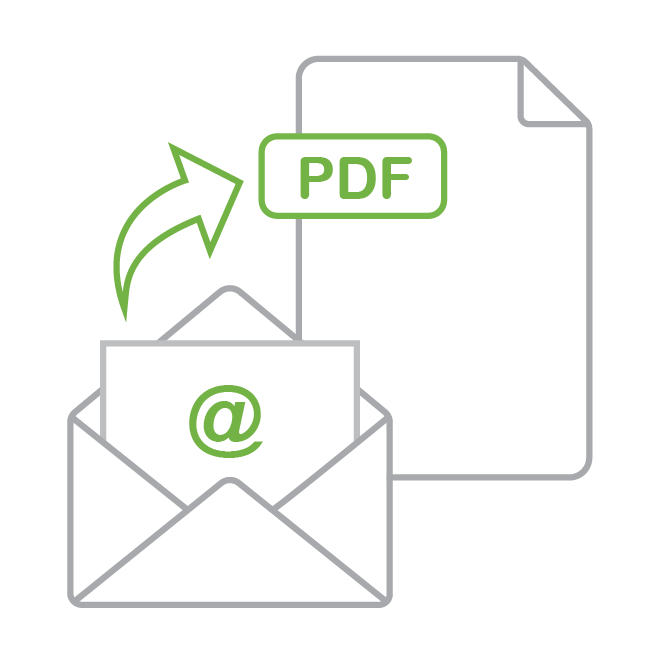
The Email Record Capture module allows you to capture and process email as a record into supported EDRMS. ERC enables capture of email header data, message body and supported attachments for both operator and automated processing. Output emails as either .eml or .pdf (PDFA).
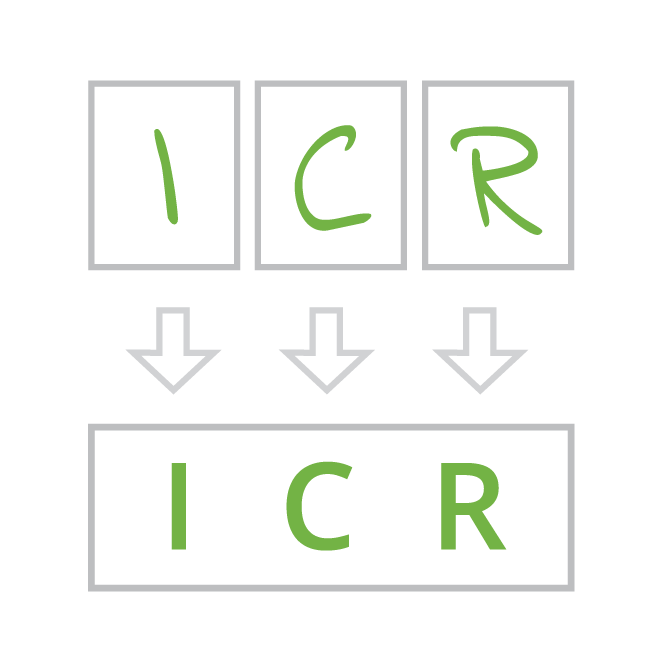
The Intelligent Character Recognition module can be used for handwritten field data. ICR allows EzeScan KFI to process handwritten characters (numbers, letters, punctuation) on application/survey forms and saves operator keystrokes.
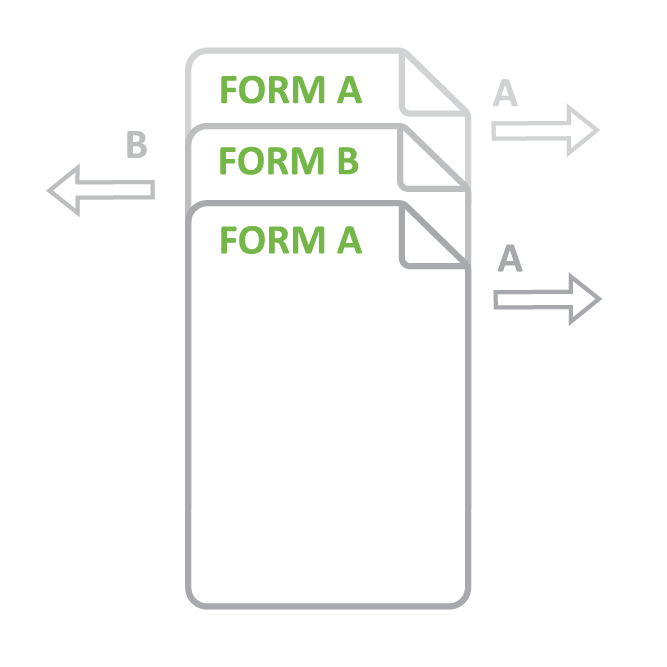
The Intelligent Document Recognition module can be used to sort forms before passing the forms to separate EzeScan workflows for processing. Each form is setup as a template and EzeScan performs a check on each page to determine which workflow the form belongs to.

The INDEX module (also known as KFI - Key from image) provides the user interface to define, capture and input data from documents. INDEX supports zonal OCR and look up lists which can be populated from other systems such as SQL compliant databases.
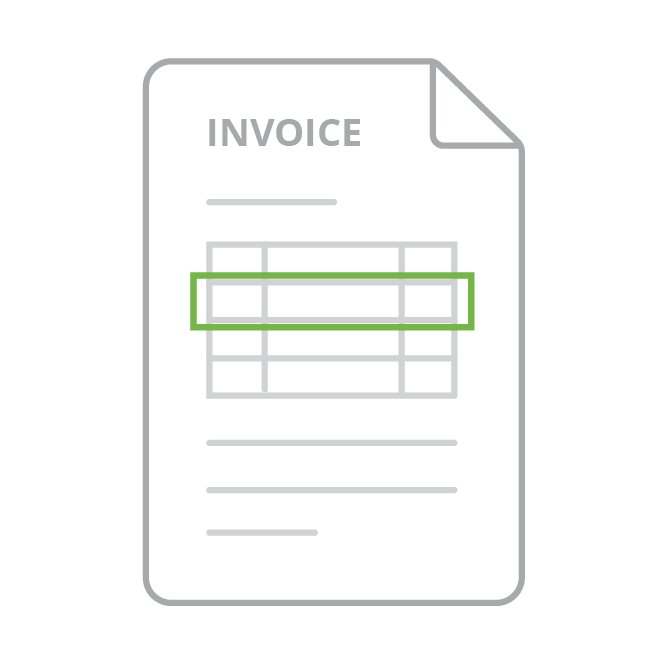
The LINES module enables EzeScan to extract the line item data from invoices. Uses input document matching technology to identify supplier invoices and correctly extract line items data from them.
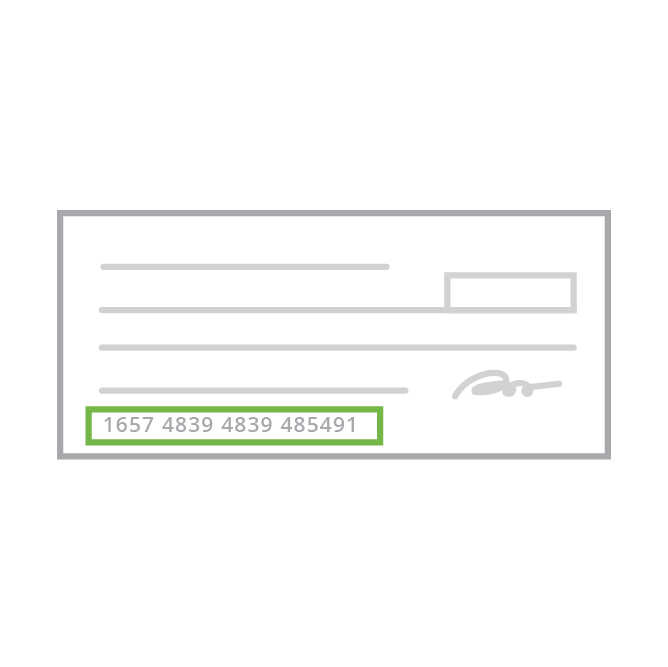
The Magnetic Ink Character Recognition module allows EzeScan to process the MICR lines on the bottom line of bank cheques/checks. The MICR line characters contains Bank Branch BSB Number (Sort Code, Account Number, Cheque Number).

The Optical Mark Recognition module allows EzeScan to process tick boxes and radio buttons on application/survey forms. OMR supports reading a mark in a box or a circle. Optical Mark technology is very popular for automating the extraction of data from survey forms and applications forms.

The UPLOAD module adds the ability to upload documents into an EDRMS, ODBC compliant database, FTP, Mail Server location. The UPLOAD module supports many popular EDRMS products. Upload connectors for other systems can be built using the Developer Plugin SDK.